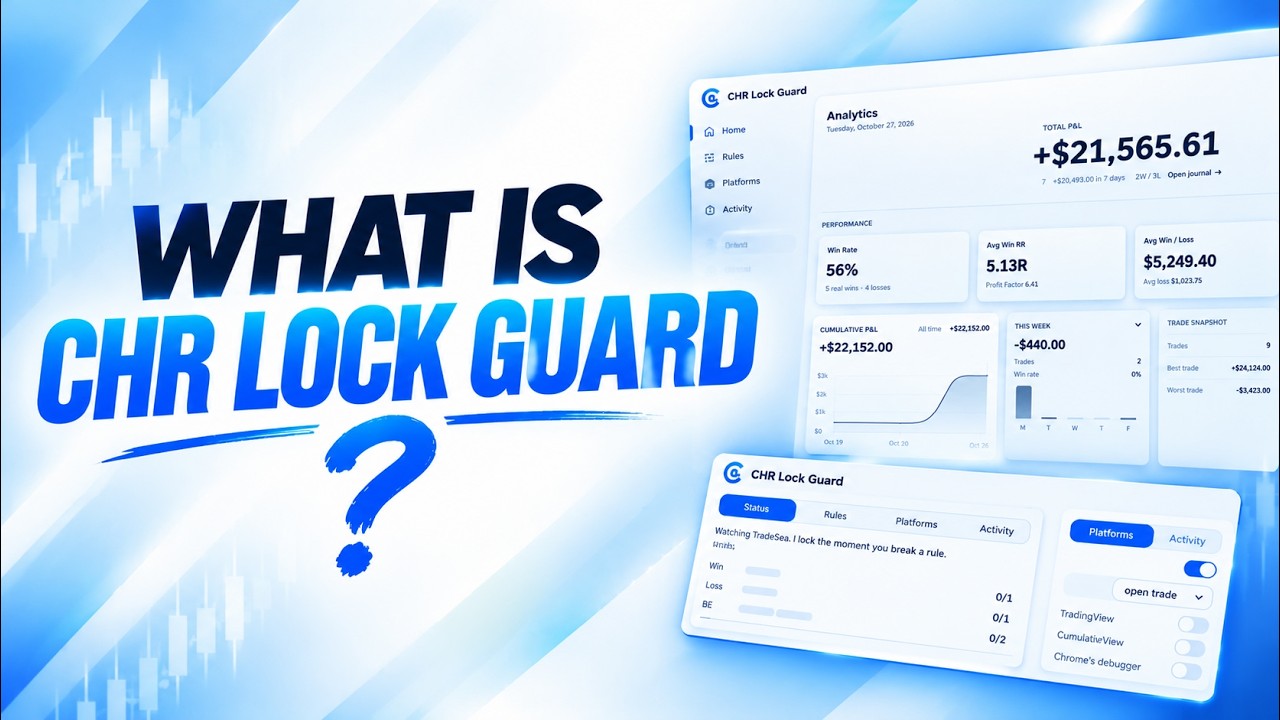
A Windows desktop app that keeps you inside your own trading rules. You decide your limits before the session, and it enforces them when emotions get in the way.
There’s no complicated setup or confusing installation. CHR Lock Guard runs right on your PC or Mac, helping you stay disciplined and enforce your trading rules. Set it up in minutes, connect your trading platform, and let it lock your account when your rules are triggered — so you can focus on trading without breaking your limits.
Click the CHR Lock Guard icon to download the app for your computer.
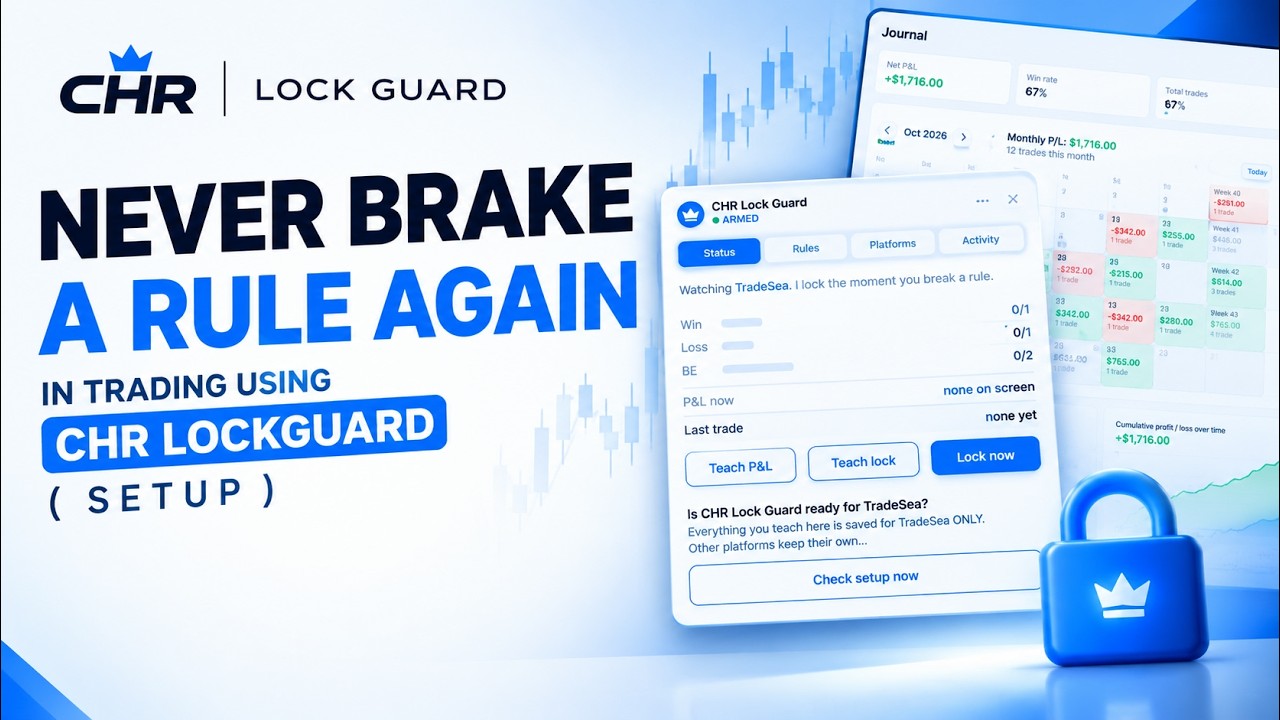
Status, rules and platform settings sit beside your chart. Teach it your P&L number and lock button once, then let it do the watching.
How to set up CHR Lock Guard
Download and install the app, activate your license key, connect TradeSea or Tradovate, and set your limits. CHR Lock Guard locks the app when a limit is reached. Watch our YouTube video for a step-by-step walkthrough.
Sample quotes for now. Real reviews from the community go here.
i am really happy that i found out Chr lock guard app helped me a lot in my trading now i dont make mistakes that i used to make before and especially journaling section helped me a lot journaling my trades and tracing my progress 100% recommended i love it ❤️
!Sam
In my rules it states I dont take more than 2 trades a session, after taking 6 consecutive emotional trades, I knew there needs to be a change. Got on the CHR lock and haven't broken any rules, journaling on the app is simple and fun. Im loving and I HIGHLY recommend it!
Gossu
Ready to go back CHR Lounge?
Choose the path that fits you best and start improving today.




 !Sam
!Sam Gossu
Gossu